




Skip to content
View in the app

A better way to browse. Learn more.

Fillarikeskustelu.com

A full-screen app on your home screen with push notifications, badges and more.

To install this app on iOS and iPadOS
  1. Tap the Share icon in Safari
  2. Scroll the menu and tap Add to Home Screen.
  3. Tap Add in the top-right corner.
To install this app on Android
  1. Tap the 3-dot menu (⋮) in the top-right corner of the browser.
  2. Tap Add to Home screen or Install app.
  3. Confirm by tapping Install.

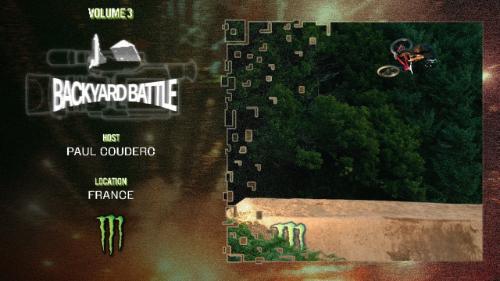
Backyard Battle 2025 | Stop 3: Paul Couderc

Introducing the Backyard Battle Space Program. Led by Paul Couderc and his hand-picked crew of MTB shredders, join them as they embark on a gravity defying mission to launch the first bike into the stratosphere at some of the world’s finest jumps tucked away near a quiet village in Southwest France.


Käyttäjän palaute

Recommended Comments

Ei kommentteja.

Luo uusi käyttäjätili tai kirjaudu sisään

Tärkeää tietoa

Hyväksy Käyttöehdot ja Tietosuojakäyntö.

Account

Navigation

Haku

Haku

Configure browser push notifications

Chrome (Android)
  1. Tap the lock icon next to the address bar.
  2. Tap Permissions → Notifications.
  3. Adjust your preference.
Chrome (Desktop)
  1. Click the padlock icon in the address bar.
  2. Select Site settings.
  3. Find Notifications and adjust your preference.